InVideo AI: The Fastest Way to Create Videos in 2026
InVideo AI turns simple text prompts into polished, professional videos in minutes. It’s the fastest, easiest way for creators, marketers, and businesses to produce high‑quality video content at scale.

InVideo AI has rapidly become one of the most influential tools in the world of AI‑powered content creation. What began as a template‑based online video editor has evolved into a full generative video engine capable of turning simple text prompts into polished, professional videos in minutes. In 2026, InVideo stands as one of the most widely used AI video platforms globally, powering creators, marketers, educators, and businesses that need fast, scalable video production without the traditional complexity of editing software.
The rise of InVideo AI reflects a broader shift in how video content is produced. Audiences expect more video than ever before, yet traditional editing remains slow, expensive, and skill‑intensive. InVideo’s mission is to remove those barriers entirely. With its conversational editing system, AI‑generated scripts, voiceovers, and massive media library, it allows anyone to produce high‑quality videos regardless of experience.
What InVideo AI Actually Is
At its core, InVideo AI is a generative video platform. Instead of manually editing clips on a timeline, users simply describe the video they want. The system then generates a complete draft: script, scenes, transitions, captions, music, and voiceover. This shift from manual editing to AI‑driven creation is what makes InVideo so powerful. It compresses hours of work into seconds and allows creators to focus on ideas rather than technical execution.
InVideo accepts a wide range of inputs. You can start with a short prompt, a full script, a blog URL, a PDF, or even a product link. The AI analyzes the content, identifies key themes, and constructs a video that matches the tone, pacing, and purpose of the material. This flexibility is one of the reasons the platform has become so popular among marketers and educators who often repurpose existing content into video format.
How InVideo AI Works Behind the Scenes
The workflow is intentionally simple. You begin by entering your prompt or uploading your content. Within a minute, InVideo generates a complete video draft. This includes scene selection, voiceover narration, background music, and captions. The system uses semantic matching to pair your script with relevant visuals from its extensive media library. If no suitable footage exists, the AI can generate new visuals using diffusion‑based models.
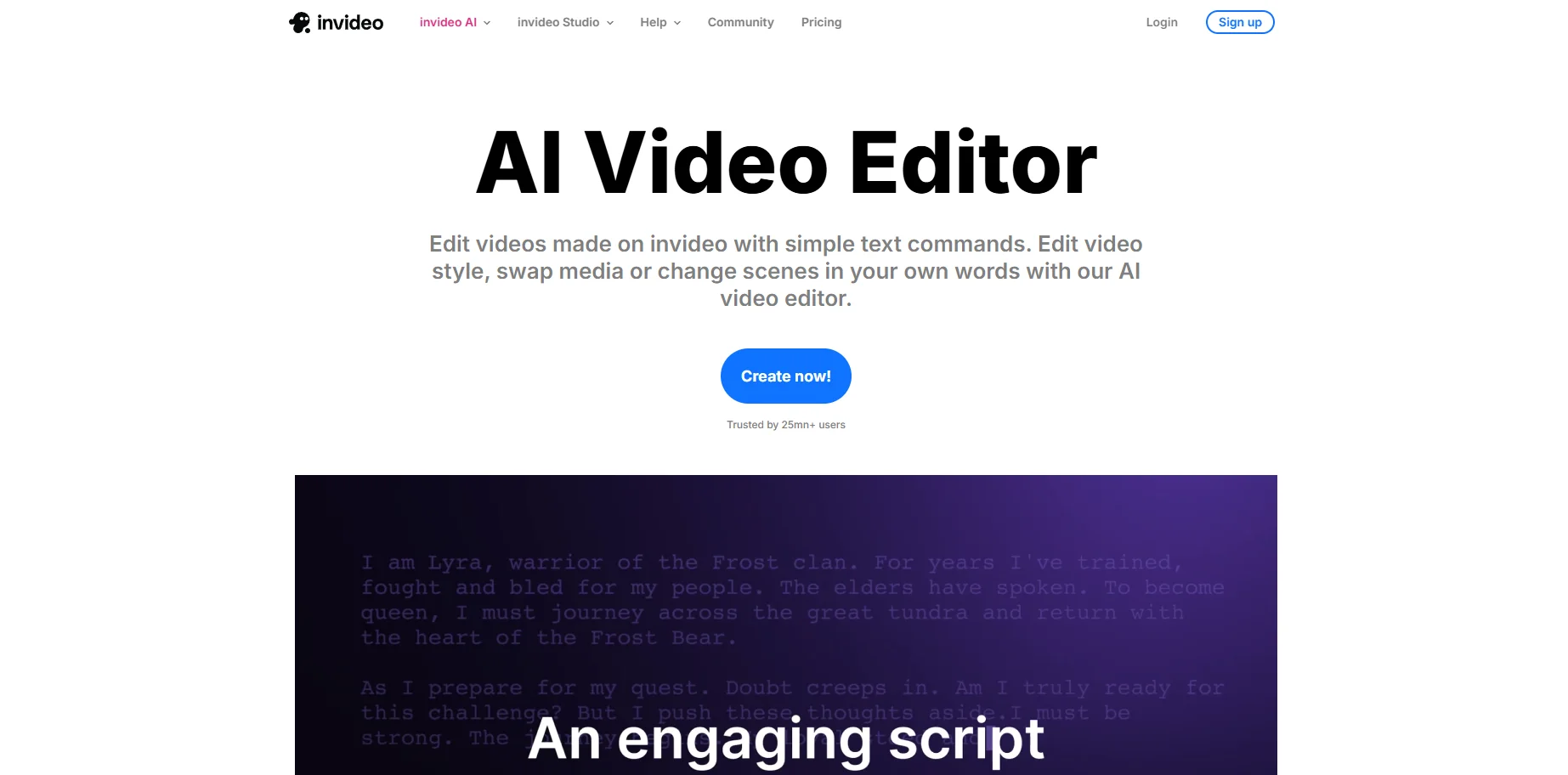
Once the draft is ready, you can refine it using natural language commands. Instead of dragging clips around, you simply tell the AI what to change. You can ask it to replace a scene, adjust the pacing, change the voice style, or rewrite a section of the script. This conversational editing model is one of InVideo’s most innovative features because it removes the need for technical editing skills entirely.
Key Features That Make InVideo AI Stand Out
Although InVideo offers dozens of tools, several features define the platform’s identity and set it apart from other AI video generators.
Text‑to‑Video Generation
This is the heart of the platform. A single prompt can produce a complete video with narration, visuals, and transitions. It is ideal for explainer videos, social media content, and quick marketing assets.
AI Scriptwriting
If you don’t have a script, InVideo can write one for you. It structures the content with hooks, storytelling elements, and calls to action, making it especially useful for YouTubers and advertisers.
Massive Media Library
InVideo includes millions of stock videos, images, and music tracks. This eliminates the need for separate subscriptions and ensures that every generated video has professional‑grade visuals.
AI Voiceovers
The platform supports dozens of languages and voice styles. Voices sound natural, and you can adjust tone, speed, and emotion to match your brand.
AI Twins
One of the most advanced features is the ability to create a digital version of yourself. By uploading a short video clip, you can generate an avatar that speaks any script in any language. This is a breakthrough for creators who want to scale their presence without recording new footage every day.
Conversational Editing
Instead of learning a complex interface, you simply talk to the AI. This makes the platform accessible to beginners while still powerful enough for professionals.
InVideo AI Pricing Overview
Here is a simple breakdown of the current pricing structure:
Plan | Monthly Price | Best For | Key Benefits |
|---|---|---|---|
Plus | $17 | Beginners | Watermarked videos, limited exports |
Max | $85 | Creators & marketers | No watermark, premium templates |
Generative | $170 | Agencies & businesses | Longer videos, priority rendering |
The pricing is intentionally accessible, especially compared to traditional video production costs.
Who Benefits Most From InVideo AI
InVideo serves a wide range of users, but several groups benefit the most from its capabilities.
Marketers
Marketing teams use InVideo to produce ads, product videos, landing page content, and social media clips. The speed of production allows them to test multiple variations quickly.
YouTubers
Creators can generate faceless videos, tutorials, reviews, and explainers without recording footage or editing manually. The AI scriptwriter is especially useful for idea generation.
Agencies
Agencies can scale video production for clients without hiring additional editors. The platform’s branding tools make it easy to maintain consistency across multiple projects.
Ecommerce Brands
Product videos can be generated in minutes using product links or descriptions. AI Twins also allow founders to appear in videos without filming.
Educators
Teachers and course creators can convert lessons, PDFs, and written material into engaging video content for students.
Strengths and Limitations of InVideo AI
No platform is perfect, and InVideo is no exception. Understanding its strengths and limitations helps set realistic expectations.
Strengths
InVideo is exceptionally fast, easy to use, and packed with features that eliminate the need for traditional editing. Its media library is enormous, its voiceovers are high quality, and its AI Twins feature is one of the most advanced avatar systems available. The conversational editing workflow is intuitive and removes the learning curve associated with video production.
Limitations
Some AI‑generated visuals can still look synthetic, especially in complex scenes. Long videos may take longer to render, and the platform performs best when given clear, detailed prompts. While the avatars are impressive, they are not yet indistinguishable from real footage in every scenario.
InVideo AI vs Traditional Video Editing
This comparison highlights why AI‑driven tools are becoming the new standard.
Category | InVideo AI | Traditional Editing |
|---|---|---|
Speed | Seconds to minutes | Hours to days |
Skill Required | None | High |
Cost | Low monthly fee | High per‑video cost |
Workflow | Conversational | Manual timeline |
Footage | Auto‑matched or generated | Must be sourced manually |
The difference is dramatic. InVideo is not meant to replace high‑end cinematic editing, but for marketing, education, and social content, it is significantly more efficient.
Why InVideo AI Matters for SEO
Video content has become essential for ranking in search engines. Pages with embedded videos tend to have higher engagement, longer dwell time, and better conversion rates. InVideo makes it possible to produce videos for blog posts, landing pages, and social channels at scale. This gives businesses a competitive advantage in a landscape where video is no longer optional.
Final Thoughts
InVideo AI represents a major shift in how video content is created. It democratizes production, allowing anyone to generate professional videos without technical skills or expensive equipment. Whether you are a marketer, creator, educator, or business owner, the platform offers a fast, scalable way to produce high‑quality content.
Comments (0)
Sign in to leave a comment.